Concepts
Check system status
Live health of every part of HRS Triage, with 14 days of history.
System status (footer link) checks each component every time you open it:
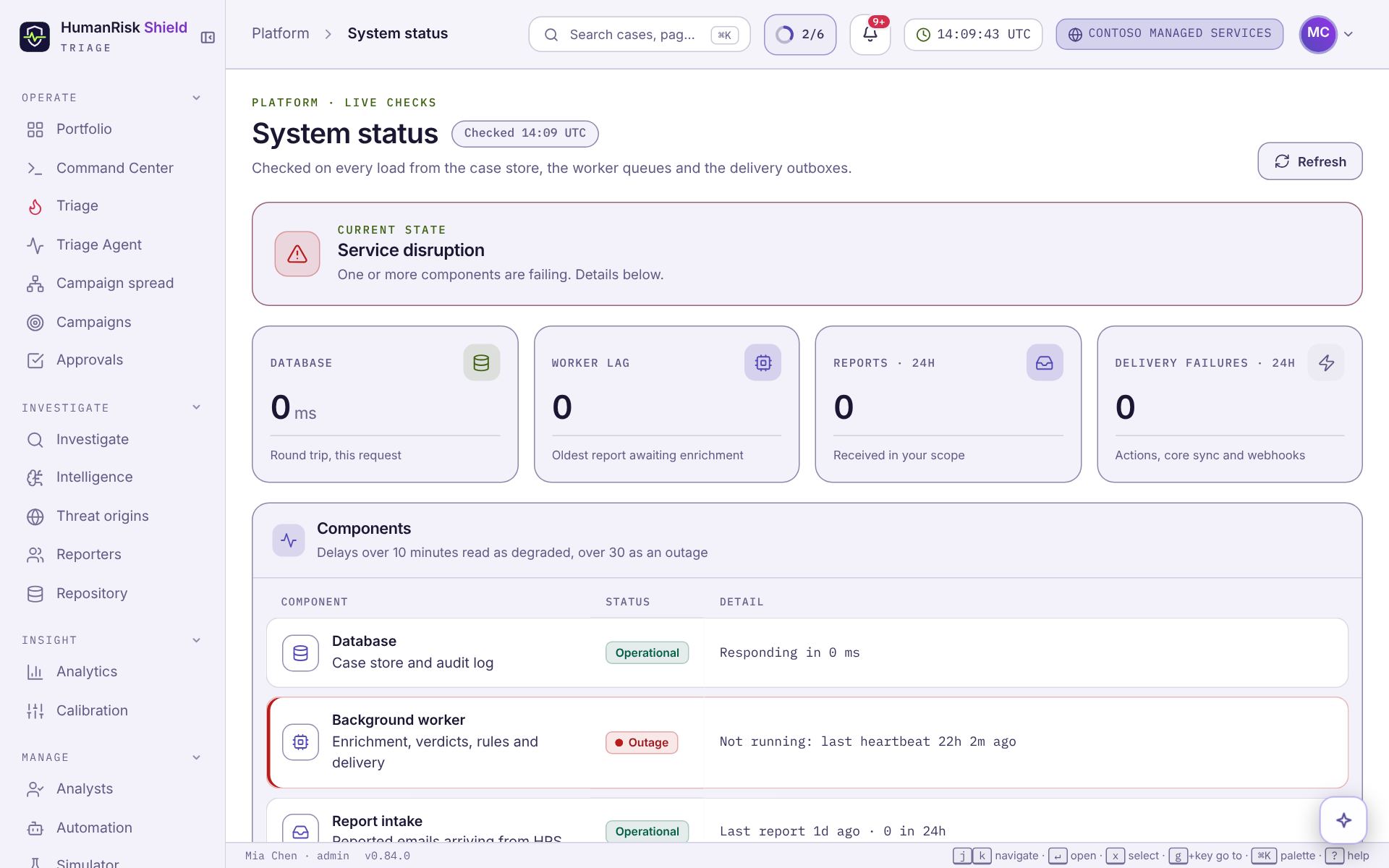
- the database and the background worker;
- report intake and remediation actions;
- HRS core sync and customer webhooks;
- Microsoft 365, status checks and AI assessment.
Each reads Operational, Degraded, Outage or Not set up, and the banner sums them up. Check here first when cases stop arriving or actions stall, then contact support with what you see. HRS core sync reads Operational while organizations, mailbox lists and reports keep arriving from the rest of the HRS platform. Background worker reads Outage if the worker has stopped, even when nothing is queued. AI assessment reads Operational when the shared HRS key is set, or says it is available to organizations with their own AI key. Threat feeds shows how many downloaded phishing and malware feeds are on, how fresh each is, and which lookups are on. It reads Degraded if a feed hasn't refreshed in a while; links are then checked against the last copy.
Errors on any page are reported automatically, so the HRS team sees a broken page even if nobody raises it.
Planned maintenance is announced ahead of time in the bell at the top of every page.
Times on this page are shown in your time zone (see Choose your time zone).